Get the Latest News
We're bringing Artificial General Intelligence (AGI) to the supply-chain industry. Join us on our mission.


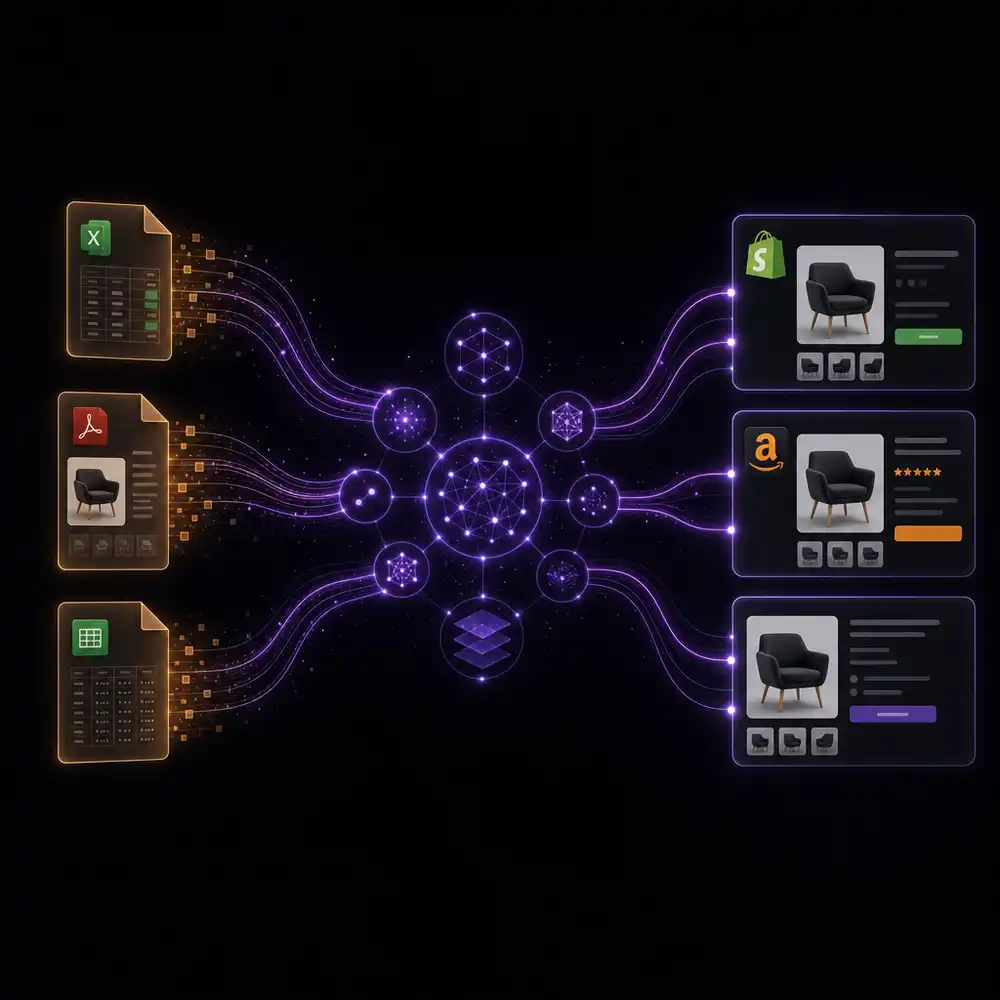
Product Catalog Automation: What It Is, How It Works, and Who Actually Needs It
Product catalog automation has a precise meaning that most vendors obscure. This guide covers the full Extract → Normalize → Match → Enrich → Validate → Publish pipeline: what each stage involves, who the work is built for, how it fits alongside ERPs and PIMs, and how Logistify delivers the work as a managed service rather than another tool your team has to operate.
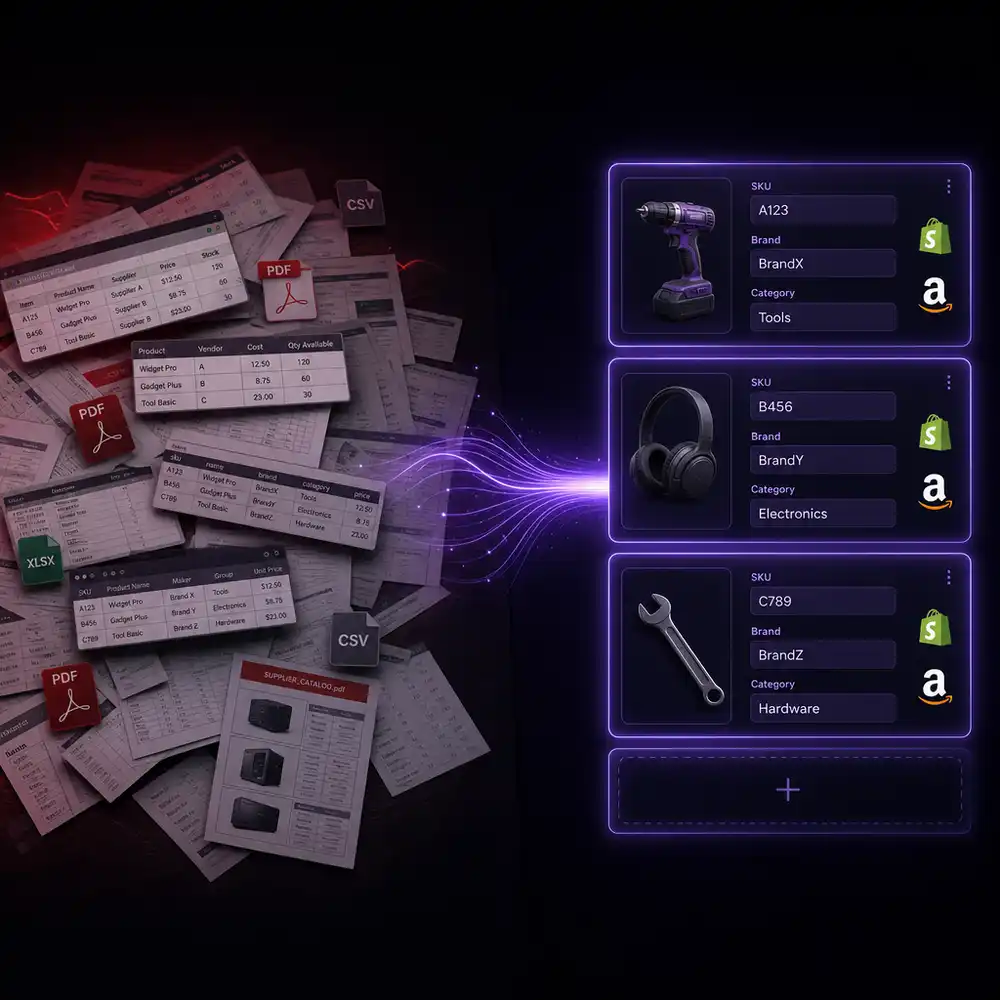
Should You Hire a Catalog Specialist — or Automate SKU Onboarding with AI?
There are currently 1,000+ 'Catalog Specialist' and 'Product Data Specialist' job postings in the U.S. right now. Each one signals the same thing: a distributor or multi-channel seller has enough incoming supplier data that it's consuming a full person's time. This post works through the economics of that hire, what the work actually involves, and when a managed AI service changes the math.
How to Use AI in Order Management When You're Running QuickBooks Desktop
Every guide on using AI in order management assumes a Salesforce OMS or a NetSuite ERP. This one is for the $10M–$50M manufacturer or distributor whose order management system is QuickBooks Desktop — where 'order management' means someone reads a PDF, opens QB, and types a sales order. Here is what AI handles, what it hands back to a human, and what the order desk's day looks like before and after.
Best AI for QuickBooks Desktop for Order Entry and Order Management (2026)
Manufacturers and distributors on QuickBooks Desktop searching for AI to automate order entry face a specific problem: most tools assume a cloud ERP and have no path to QB Desktop. This comparison evaluates Logistify AI, QAI Agent, Conexiom, and Esker on the criteria that actually matter for inbound PO automation — QB Desktop native connection, multi-channel capture, per-customer product matching, and sales order creation.
Can AI Do Order Entry for QuickBooks Desktop Enterprise?
Yes — AI can read inbound customer purchase orders from email, PDF, EDI, and other channels, validate them against your QuickBooks Desktop Enterprise records, and write confirmed sales orders directly into QBE via the QuickBooks SDK. Most AI order processing tools cannot do this because they assume a cloud ERP. This post explains exactly how the integration works, why the QB SDK path is different, and what changes for the order desk.
QuickBooks Now Works with Claude and ChatGPT — What It Means for Manufacturers on QuickBooks Desktop
On July 28, 2026, Intuit released a QuickBooks Online MCP server that lets Claude and ChatGPT query QBO data directly. It is a QuickBooks Online feature. It does not connect to QuickBooks Desktop Enterprise, does not read inbound purchase orders, and does not write sales orders. For manufacturers on QB Desktop, this is what changed — and what did not.
What is AI Order Processing for QuickBooks Desktop Enterprise?
AI order processing for QuickBooks Desktop Enterprise is software that reads inbound customer purchase orders from any channel, extracts the line items, validates them against your QuickBooks Desktop Enterprise records, and writes confirmed sales orders into QBE automatically. This post explains how it works, what the QuickBooks Desktop Enterprise connection looks like, and what changes for the order desk.
AI Order Processing for QuickBooks Desktop Enterprise: Order Demand Checking
A commercial cleaning equipment manufacturer in New Jersey needed an AI tool that reads incoming customer POs and flags any line item being ordered at a rate above that customer's historical demand. This post explains how Logistify AI's Demand Check feature works, why the calculation is cumulative rather than per-order, and how it connects directly to QuickBooks Desktop Enterprise.
AI Sales Order Assistant for Unleashed Inventory Management Software
An AI sales order assistant for Unleashed Inventory Management Software handles clean inbound orders autonomously and routes exceptions to a human reviewer before writing anything to Unleashed. This post covers what the assistant decides on its own, what triggers a review request, how the handoff works in practice, and why the exception-handling model produces better downstream outcomes than full auto-posting.
AI Sales Order Agent for Unleashed Inventory Management Software
An AI sales order agent for Unleashed Inventory Management Software monitors inbound channels, reads purchase orders, resolves buyer product references to the Unleashed catalog, validates pricing against the customer's pricing tier, checks warehouse stock, and creates confirmed sales orders via the Unleashed REST API. This post compares what the agent does versus a human order desk employee, step by step.
AI Sales Order Processing for Unleashed Inventory Management Software
AI sales order processing for Unleashed Inventory Management Software runs inbound purchase orders through a seven-step sequence before writing anything to Unleashed: document identification, field extraction, customer matching, product code resolution, pricing tier validation, warehouse assignment, and REST API write. This post explains what happens at each step and what the Unleashed sales order record contains after the sequence completes.
AI Sales Order Automation for Unleashed Inventory Management Software
AI sales order automation for Unleashed Inventory Management Software covers the full order intake loop: monitoring inbound channels, classifying emails as orders or quote requests, extracting fields, matching buyers and products to Unleashed records, validating pricing, checking per-warehouse stock, creating Unleashed sales orders via REST API, and sending outbound acknowledgments. This post explains how the loop runs at volume and where human review fits in.
AI Sales Order Entry for Unleashed Inventory Management Software
AI sales order entry for Unleashed Inventory Management Software automates the sequence that converts an inbound purchase order into a confirmed Unleashed sales order record: extracting header and line-item fields, matching the buyer to a customer record in Unleashed, resolving product references to Unleashed product codes, validating pricing against the customer's tier, and writing the confirmed order via the Unleashed REST API. This post covers what each step does and what the final Unleashed record contains.

Reconcile Your ERP with Finance and Operations: One Version of the Truth for Manufacturers and Distributors
Finance reports one revenue figure. Sales reports another. Operations has a third inventory count. Each system is accurate by its own logic — the problem is that each one defines revenue, orders, and inventory differently. This post explains why the numbers disagree, what a reconciliation layer does that a standard integration does not, and how manufacturers and distributors can get every team working from one approved view without replacing any of the systems they already use.
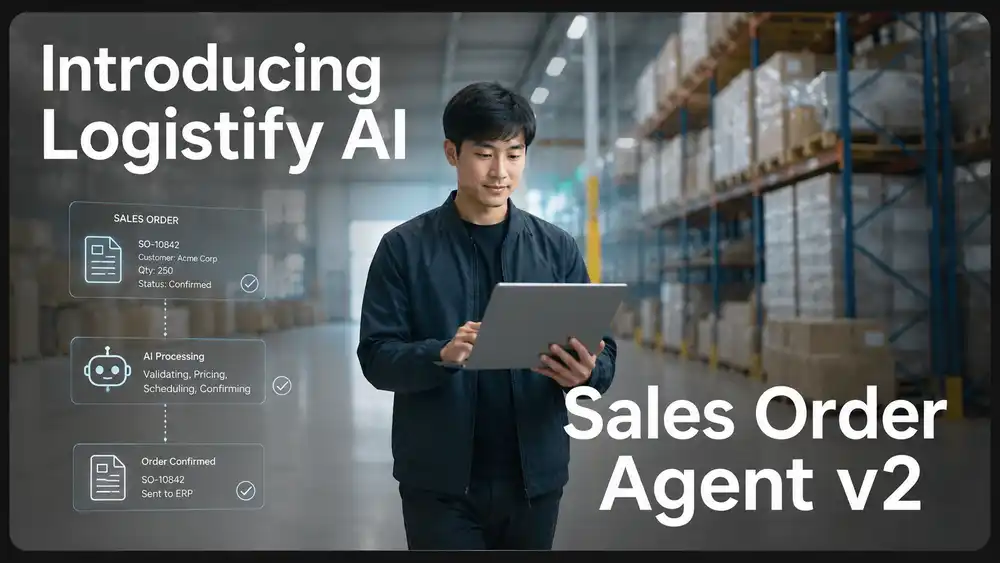
Introducing Logistify AI Sales Order Agent v2
Sales Order Agent v2 captures inbound purchase orders from email, PDF, spreadsheet, WhatsApp, portal exports, and EDI exceptions, then extracts line items, matches buyers and SKUs, validates before writeback, and syncs clean orders to QuickBooks or your ERP. Exceptions route to a human reviewer with the failure reason and next action attached.
AI Sales Order Agent for Unleashed Inventory Management System
A high-volume B2B distributor receives hundreds of emails per day that split into two types: firm purchase orders and quote requests. An AI agent for Unleashed handles both — classifying each email, creating sales orders in Unleashed via the REST API, generating sales quotes as CSV files for import into Unleashed, checking stock across multiple warehouses, and sending a structured reply to the buyer with confirmation, pricing, and availability.
Customer-Specific Pricing in QuickBooks Desktop Enterprise: How AI Handles Price List Complexity
QuickBooks Desktop Enterprise supports per-customer price levels, per-item custom prices, and quantity-break pricing. When a customer sends a PO with prices from their own records, those prices often diverge from what is on file. AI order entry validates each line against the correct QuickBooks price structure for that customer, flags deviations, and routes discrepancies to a reviewer before the order is created.
How Wholesale Distributors Enter High-Volume Sales Orders into QuickBooks Desktop Enterprise
For a wholesale distributor processing 80 or more purchase orders per day manually in QuickBooks Desktop Enterprise, order entry consumes most of the capacity of two to four full-time employees. At 10 minutes per order and 80 daily orders, that is 13.3 hours of entry per day. Error rates increase as volume rises. This post covers what breaks in a high-volume manual operation and what changes when AI order entry handles the routine work.
AI Sales Order Processing for QuickBooks Desktop Enterprise
AI sales order processing for QuickBooks Desktop Enterprise covers the full sequence from inbound purchase order to confirmed sales order in QuickBooks: order identification, document extraction, field parsing, catalog matching, price validation, exception flagging, and QBXML write. This post walks through each step and explains how it works in a QuickBooks Desktop environment specifically.
AI Sales Order Agent for QuickBooks Desktop Enterprise
An AI sales order agent for QuickBooks Desktop Enterprise monitors inbound channels, reads purchase orders, matches buyer product references to your QuickBooks item catalog, validates pricing against customer price levels, flags exceptions for review, and writes confirmed sales orders to QuickBooks Desktop via QBXML. This post compares what the agent does versus a human order entry clerk, step by step.
QuickBooks Desktop Enterprise Sales Order Entry: What It Costs to Do It Manually
A manually entered sales order in QuickBooks Desktop Enterprise takes 6 to 12 minutes from opening the PDF to saving the confirmed order. At 100 orders per day, that is 3,333 hours per year of pure transcription. This post builds the full cost arithmetic for CFOs and controllers evaluating automation.
AI Sales Order Assistant for QuickBooks Desktop Enterprise
An AI sales order assistant for QuickBooks Desktop Enterprise handles order intake autonomously for clean orders and flags exceptions for human review before anything is written to QuickBooks. This post covers what the assistant decides on its own, what triggers a review request, how the handoff to human review works in practice, and why keeping a review step produces better outcomes than full auto-posting.
How AI Reads PDF Purchase Orders and Enters Them into QuickBooks Desktop Enterprise
When a PDF purchase order arrives by email, a six-step process runs before a confirmed sales order appears in QuickBooks Desktop Enterprise: document ingestion, OCR extraction, field parsing, SKU mapping, validation against QuickBooks data, and a QBXML write through the QuickBooks Web Connector. This post walks through each step in plain operational terms.
AI Order Entry Software: The Complete Guide for Manufacturers and Distributors
AI order entry software reads inbound purchase orders from email, PDF, EDI, WhatsApp, and other channels, extracts every line item, validates against your ERP, and posts confirmed sales orders without manual re-keying. Most tools require a cloud ERP, which leaves QuickBooks Desktop operators behind. This guide covers the full category.
QuickBooks Desktop 2023 Lost Support on May 31. Manufacturers and Distributors Don't Need a New ERP.
QuickBooks Desktop 2023 lost Intuit support on May 31, 2026. The ERP sales calls are starting. For most manufacturers and wholesale distributors, the right move is not a $100K migration — it is upgrading to QB Desktop 2024 or Enterprise and fixing the real cost driver: manual sales order entry.
AI Sales Order Automation for QuickBooks Desktop Enterprise
QuickBooks Desktop Enterprise has no cloud REST API, which is why most automation tools cannot write orders into it. AI document automation, paired with a connector agent inside your network that speaks QBXML, is the practical way to automate sales order entry without migrating off Enterprise.
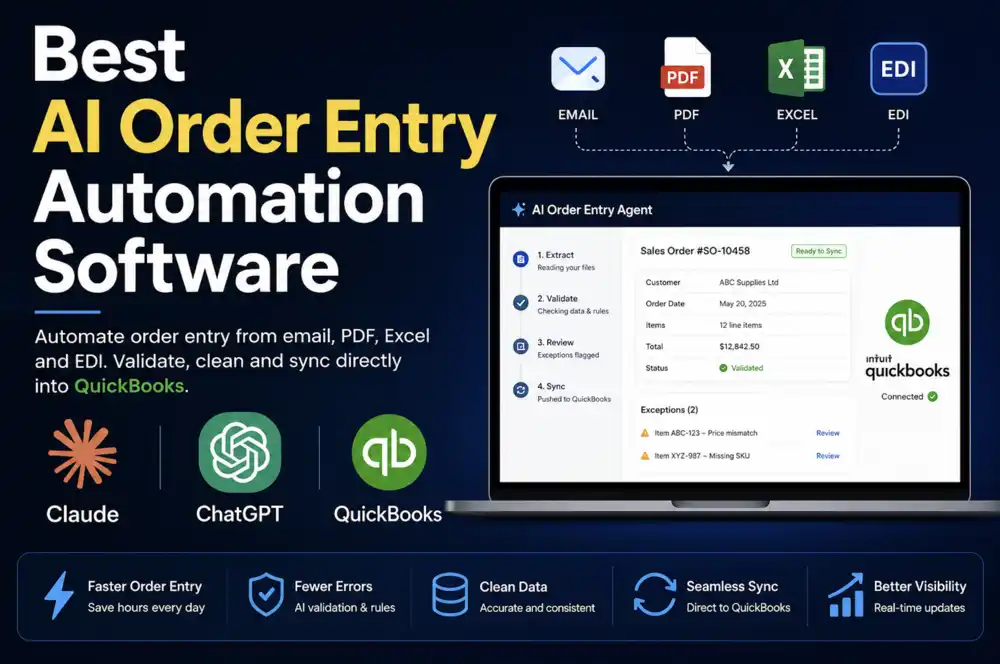
Best AI Order Entry Automation Software for Manufacturers and Wholesale Distributors (2026)
Five AI order entry tools compared honestly for manufacturers and wholesale distributors: Logistify AI, Conexiom, Esker, WizCommerce, and Canals. What each actually reads, which ERPs they connect to, whether there's a human review step before orders hit your system — and why QuickBooks Desktop support is the line that splits this market in two.
AI Sales Order Entry for QuickBooks Online: Text Messages and Price List Photos, Automated
A fresh produce wholesaler in Michigan had four people reading customer text messages and photographed Excel price lists, then entering every order into QuickBooks Online by hand. This post describes what that workflow looks like and how Logistify AI's Sales Order Agent automates it end to end.
QuickBooks Desktop Readiness Audit: See How AI Delivers a Full ERP Assessment in Days, Not Months
QuickBooks Desktop 2023 loses support May 31, 2026. Most CFOs get three bad options: guess, overpay, or freeze. Watch the demo to see how Logistify AI delivers a complete migration readiness audit — AI-accelerated, human-validated — in about two weeks.
The QuickBooks Desktop Migration Readiness Audit: A Practical Guide for Distributors and Manufacturers
A QuickBooks Desktop migration readiness audit tells manufacturers and distributors what is in their company file, what will break, and which ERP path is credible — before committing to a migration contract.
The QuickBooks Desktop Crisis: What Manufacturers and Distributors Must Do Before the Clock Runs Out
Intuit is discontinuing QuickBooks Desktop. For accountants and service businesses, the advice is simple: move to QuickBooks Online. For manufacturers and wholesale distributors, that advice is dangerously wrong. This is the real story of what is happening — and what to do about it.
AI Sales Order Entry & Purchase Order Entry for Odoo
Logistify AI now integrates with Odoo ERP. Manufacturers and distributors can photograph paper Purchase Orders and invoices for automatic entry into Odoo, and have WhatsApp field sales orders created in Odoo automatically. Zero manual re-keying.
The Definitive Guide to Accounting Software in the USA (2026)
A deeply-researched comparison of the 10 major accounting platforms used by small businesses, mid-market companies, manufacturers, and distributors in the USA — covering QuickBooks Online, QuickBooks Desktop, Xero, Sage Intacct, Oracle NetSuite, FreshBooks, Wave, Zoho Books, Microsoft Dynamics 365 Business Central, and Bench. Includes a buyer's decision framework, pricing breakdown by company size, and the coordination gap that even the best accounting software leaves unsolved.
ERP Software Comparison: The Definitive Guide for Manufacturers and Distributors in the USA (2026)
A deeply-researched comparison of the 12 major ERP platforms used by manufacturers and distributors in the USA — covering SAP, Oracle, Microsoft Dynamics, NetSuite, Epicor, Infor, IFS, Sage X3, Acumatica, SYSPRO, Plex, and Odoo. Includes a buyer's decision framework, implementation failure data, and the coordination gap that every ERP leaves unsolved.
AI Sales Order Entry for QuickBooks Desktop Enterprise
You can automate sales order entry from email and EDI orders into QuickBooks Desktop Enterprise using Logistify AI. The value: 90% reduction in labor costs, 90% fewer data-entry errors, & 50% faster order fulfilment.
What Is Sales Order Entry? The Definitive Guide
A comprehensive guide to sales order entry into ERPs: what it is, how it works, the problems it solves (and cannot solve), how it has evolved, and what automation means for wholesale and distribution businesses.
AI Sales Order Entry for Brightpearl by Sage
You can automate sales order entry from email, phone messages, and voicemails into Brightpearl by Sage using Logistify AI. The value: 90% reduction in labor costs, 90% reduction in return orders due to data-entry errors, & 50% faster order fulfillment.
AI PDF Sales Order Entry for Unleashed Software
You can automate sales order entry from PDF orders emailed to you — including delivery booking slots and multiple delivery addresses — into Unleashed Inventory Management Software using Logistify AI.
What Is Dock Scheduling? The Definitive Guide
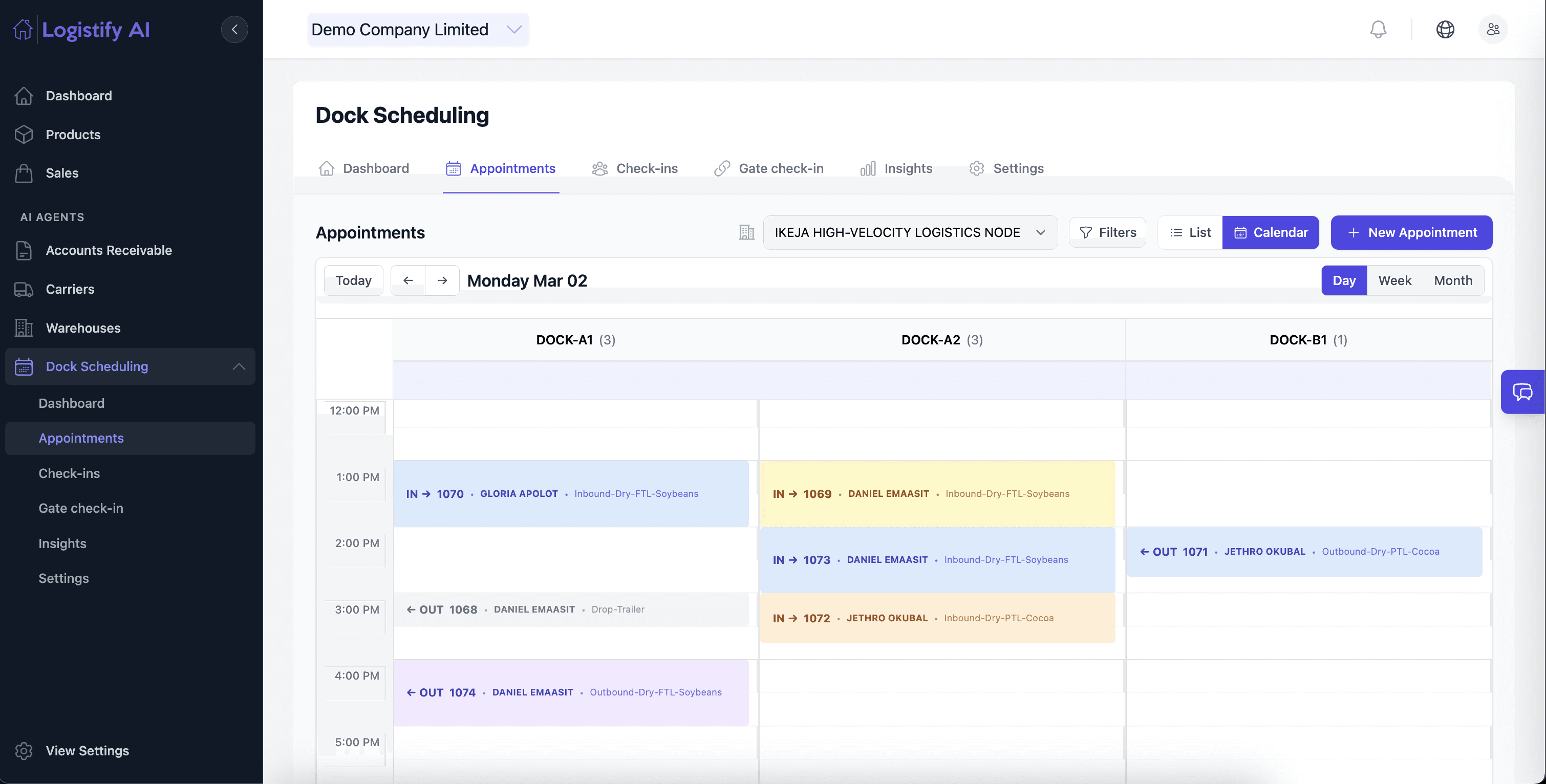
A comprehensive guide to dock scheduling: what it is, how it works, the problems it solves (and the ones it cannot), and how it connects to the wider warehouse ecosystem.
Services: The New Software: Why Logistify AI is an AI Services Firm.
AI is changing what software companies sell. Instead of giving customers another tool to operate, the next generation of AI companies will deliver the finished work, starting with budgets that already belong to services.
AI Dock Scheduling for Warehouses
How AI Agents are transforming warehouse dock scheduling — letting carriers self-book appointments via WhatsApp while AI assigns optimal slots based on historical behavior.
AI Sales Order Entry for Unleashed Software in UK
How UK-based manufacturers and distributors using Unleashed Software are automating sales order entry with Logistify AI — cutting processing time from hours to seconds.

AI Sales Order Entry for TallyPrime ERP
Automate sales order entry from Email, WhatsApp, SMS, Phone and Handwritten notes into TallyPrime ERP — no manual data entry required.
AI Sales Order Entry for Unleashed Software
A deep dive into how Logistify AI connects with Unleashed Software to automate the entire sales order entry workflow from any communication channel.

AI Sales Order Entry for BREWW
How craft breweries and beverage distributors using BREWW are automating sales order entry with Logistify AI — from WhatsApp, Email, and paper order forms.

Reflections from the 2025 DLD Munich Conference
Key takeaways from DLD Munich 2025 — one of Europe's premier innovation conferences on technology, business, and society.
Automate Sales Order Entry into QuickBooks with Inventory & Invoicing Sync
How Logistify AI automates data entry from Email and WhatsApp directly into QuickBooks Online, with automatic inventory updates and invoice creation.
Automate Entry of Sales Orders from WhatsApp into Your ERP System
WhatsApp is how your customers already send orders. Logistify AI reads those messages and enters the data directly into your ERP — accurately and instantly.

Logistify AI Partners with Microsoft, 1871 and Accenture
Logistify AI announces our acceptance into the 2024 cohort of the 1871 Summer Innovation Lab in Chicago, USA — in partnership with Microsoft, 1871, and Accenture.

Automated Data Entry from Paper-Based Purchase Orders
The Logistify AI Assistant automates the manual process of data entry from paper-based Purchase Orders, Delivery Notes, Invoices, Purchase Requisitions, and Quotations.

Introducing Logistify AI: The AI Assistant for Logistics and Supply Chain Managers
Generative AI-powered Assistant that automates Inventory Management Workflows for supply-chain managers. Learn how we're transforming the industry.