Industry Research·June 10, 2026·21 min read
Best AI Order Entry Automation Software for Manufacturers and Wholesale Distributors (2026)

Daniel Emaasit
CEO, Logistify AI
TLDR
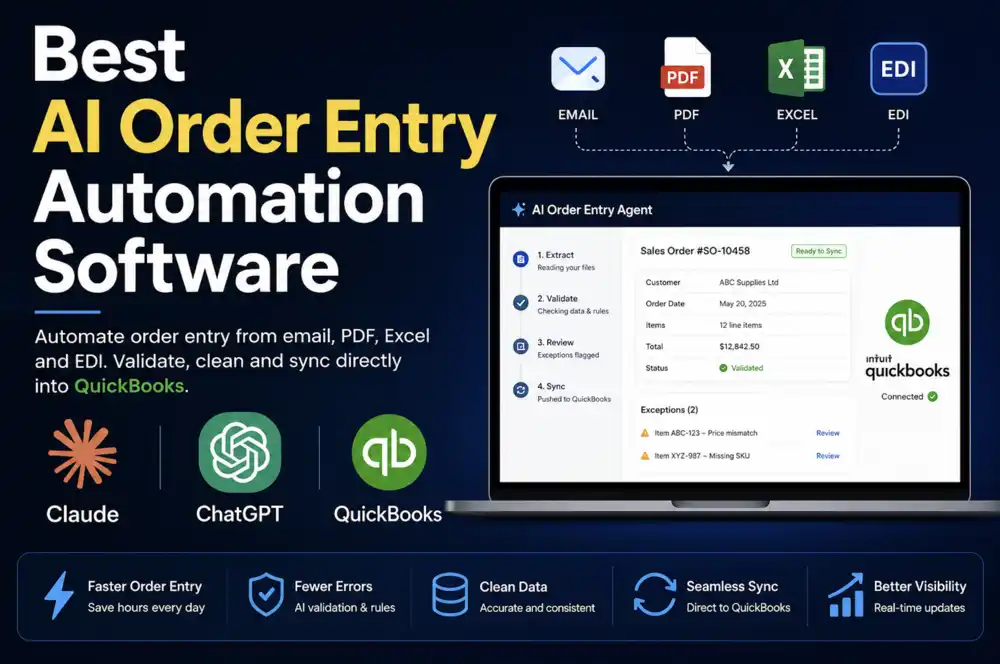
The best AI order entry software depends on your ERP and how orders arrive. Logistify AI fits teams on QuickBooks Desktop or cloud ERPs that want order entry done as a managed service, Conexiom and Esker fit large operations, WizCommerce fits rep-driven wholesale, and Canals fits distributors automating beyond order entry. This is an honest roundup of the five AI order entry options worth a manufacturer or distributor's time in 2026: Logistify AI, Conexiom, Esker, WizCommerce, and Canals. The single biggest dividing line is whether the order entry solution can write into QuickBooks Desktop, the on-premise system of record still running tens of thousands of US manufacturers and distributors. Almost every competitor requires a cloud ERP. Logistify AI is a managed AI service that uses its own tools, AI Agents, and Human Reviewers to complete recurring order-entry work for you. It connects to QuickBooks Desktop, reads the semantic meaning of an order, matches vague descriptions to the correct SKU using that customer's order history, and routes every order to human review before anything is written to the ERP. It also lets your customers keep ordering the way they already do, without requiring a new portal or marketplace. We put Logistify AI at #1 because the deliverable is completed, reviewed order entry through your existing systems, not another app for your team to operate. The rest of the roundup covers each competitor's real strengths and the gaps you should know about before you buy.
What Is Order Entry Software?
Order entry software turns a customer's purchase order into a sales order in your ERP or accounting system. Older tools give your team a faster screen to key orders into, or read orders that arrive as EDI. AI order entry software reads orders that arrive as emails, PDFs, spreadsheets, or messages, matches each line to your products, and creates the sales order, leaving the orders it can't resolve for a person to check.
The Real Problem: Orders Do Not Arrive in One Format
Walk into the order desk of a mid-sized food distributor or a parts manufacturer and you will not find a tidy queue of structured EDI documents. You will find a customer service rep with six tabs open. One buyer emailed a purchase order as a PDF attachment. Another sent a photo of a handwritten order from the back of a delivery truck. A third left a voicemail. A regular account texted 'same as last week, plus two extra cases.' A big-box customer dropped an 850 over EDI. Someone faxed a price list with quantities scribbled in the margin. Every one of these is a real order, and every one of them has to become a clean line-item entry in the ERP before anything ships.
That gap between how orders arrive and how the ERP needs them is where the labor goes. It is also where most AI order entry tools quietly fall short. The marketing says 'reads any document.' The reality is that most tools handle three or four channels well, assume your buyers send reasonably structured purchase orders, and require a cloud ERP to write into. For a distributor whose buyers communicate the way real buyers do, and whose books still live in QuickBooks Desktop, that leaves a lot of orders still being typed by hand.
This roundup compares the five tools we think are genuinely worth evaluating. For each one we cover what it actually reads, which ERPs it writes to, whether there is a human review step before orders are pushed, and who it fits best. We lead with Logistify AI and make the specific case for why it sits at #1 for this audience — then cover every competitor plainly, including where they are stronger than us.
How We Compared These Tools
Seven questions decide whether an order entry tool will actually reduce your data entry load or just move it around: What input channels can it read without a rigid template? Can it understand an order written in plain language rather than a structured format? Does it write into the ERP you actually run, including on-premise systems? Is there a review step so a human catches exceptions before bad data reaches the system of record? Does it learn each customer's patterns over time, or treat every order as if it were the first? Was it built AI-native, or bolted onto an older document or sales product? And does it meet your customers where they already order, or require them to adopt a new ordering portal? The sections below answer those seven questions for each tool.
1. Logistify AI — Best for Managed Order Entry with both On-premise and Cloud ERPs
Why Logistify AI ranks first
TLDR
Are you buying another SaaS tool or platform from Logistify? No. Logistify is a managed AI service. We use our own tools, AI Agents, and Human Reviewers to do the recurring order-entry work for you, then return completed, reviewed orders through the systems you already use.
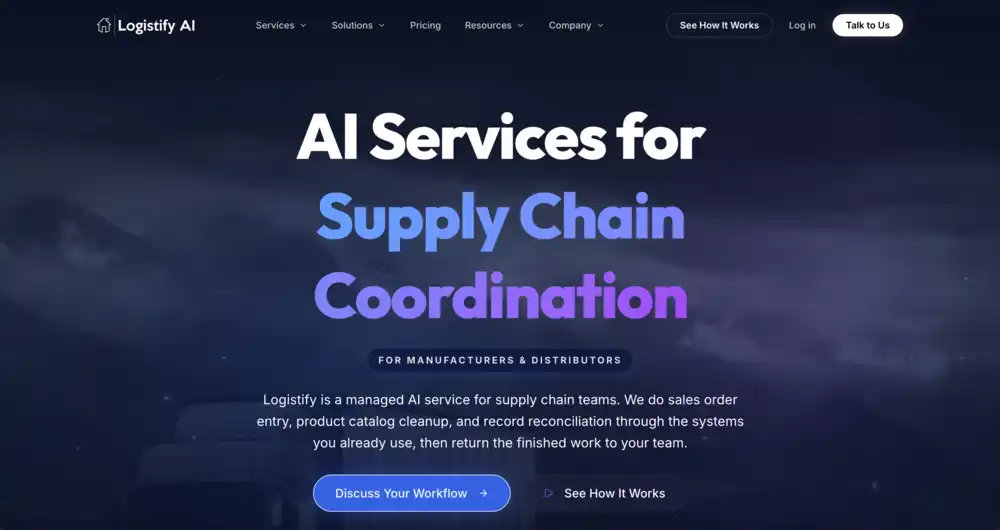
Logistify AI is an order entry agent built specifically for manufacturers and wholesale distributors whose orders arrive in every format imaginable and whose system of record is often something a cloud-first vendor cannot connect to. It reads incoming orders from the widest set of channels in this comparison, resolves them against each customer's history, and routes a clean, confirmed order to a review queue before writing it into the ERP. The design assumption is the opposite of most tools: instead of expecting buyers to send structured purchase orders, it expects orders to be messy and builds the intelligence to handle that.
It Meets Your Customers Where They Already Order
This is the difference most buyers underrate. Several tools answer messy order intake by handing your customers a portal, an app, or a marketplace to order through, often bundled with finance or catalog upsells. That only pays off if your customers actually adopt it, and the buyer who texts 'same as last week' or emails a PDF at 6am is not going to log into a new system to place an order they have placed the same way for ten years. Pushing them to change their process is how these rollouts stall. Logistify AI asks nothing of your customers. They keep sending orders the way they already do, whether that is email, text, WhatsApp or voicemail, and Logistify AI pulls the order from wherever it lands. There is no ordering platform to sell into your accounts and no new software for anyone to learn, so customer adoption is never a precondition for the automation to work.
It Writes Into QuickBooks Desktop — the Differentiator That Splits This Market
Nearly every tool in this roundup requires a cloud ERP. Logistify AI connects to QuickBooks Desktop, the on-premise system that still runs tens of thousands of manufacturers and distributors across the United States. This matters more than it sounds. QuickBooks Desktop Premier and Enterprise hold features these businesses depend on every day — multi-level assemblies, customer price levels, backorder tracking, weighted-average costing — that QuickBooks Online does not replicate. Many of these companies have fifteen years of operational logic embedded in Desktop and no clean migration path to the cloud. Telling them to switch ERPs before they can automate order entry is a non-starter. Logistify AI meets the system of record where it already lives, on-premise, and writes confirmed orders directly into it.
For what happens to a sales order once it is in QuickBooks Desktop, see our guides on how to turn a sales order into an invoice, how to handle backorders and partial shipments, how to use the Sales Order Fulfillment Worksheet, how to take a customer prepayment on a sales order and whether you can import sales orders into QuickBooks Desktop.
It Reads the Meaning of an Order, Not Just the Text
A buyer emails 'I need the usual.' A structured-document tool returns nothing useful from that — there is no line item to extract. Logistify AI resolves 'the usual' against that customer's order history and generates the correct line items: the same products, the same typical quantities, ready for review. There is no template to fill in and no required format. When a buyer writes a vague product description or uses their own internal part numbers instead of yours, Logistify AI cross-references that customer's past orders to identify the right SKU in the ERP. The longer a customer has been ordering, the better the matches get, because each confirmed order improves the model's understanding of that specific account's products, quantities, and pricing rules.
It also handles the parts of an order that quietly cause the most rework. It extracts the correct ship-to address from unstructured inputs, including when an account has multiple delivery addresses on file and the order does not spell out which one to use. And it covers the broadest set of source channels in this market from a single workflow: email, SMS, phone calls, voicemails, EDI, handwritten documents, price lists, WhatsApp, images, and voice notes. Most competitors cover three or four of these. Logistify AI was built to ingest all of them.
Every Order Passes Through a Human Review Step
Logistify AI does not write orders straight into the ERP. Each extracted order lands in a review queue where an operator can check exceptions, confirm edge cases, and approve before anything is committed. This is intentional, not a limitation. Order data feeds inventory, fulfillment, and invoicing downstream, and a wrong SKU or quantity that reaches the system of record unsupervised is far more expensive to unwind than to catch up front. The review step is also where the system learns: each correction teaches the model how that customer actually orders, so the volume of exceptions falls over time while a human stays in control of what enters the books.
It Was Built AI-Native, Not Bolted On Later
Most tools in this roundup started life as something else. Conexiom began as rules-based document automation back in 2003. Esker has sold document-process software since the 1980s. WizCommerce was a B2B sales platform before it added order capture. Each one layered an AI order entry feature on top of an architecture designed for a different job, once large language models got good enough to sell. Logistify AI was built the other way around. It started as an AI supply chain coordinator, with the model at the center of the product rather than attached to the edge of an older system. In day-to-day use that means it reasons about an order the way an experienced rep would, instead of running text through an extraction step grafted onto a legacy workflow.
- Writes into QuickBooks Desktop (on-premise) as well as cloud ERPs — the only tool here built for the on-premise system of record
- Reads semantic intent: resolves 'send me the usual' and vague descriptions into correct line items from customer history
- Matches the right SKU when buyers use their own part numbers or informal product names
- Extracts the correct ship-to address from unstructured orders, even with multiple addresses on the account
- Human review queue before any order is pushed to the ERP — exceptions get caught before they reach the books
- Self-learns each customer's ordering patterns, pricing rules, and SKU preferences with every confirmed order
- Broadest channel coverage in this comparison: email, SMS, phone calls, voicemails, EDI, handwritten documents, price lists, WhatsApp, images, voice notes
- Built AI-native as a supply chain coordinator, not an AI feature added on top of older document or sales software
- Meets your customers where they already order (email, text, WhatsApp, voicemail) instead of selling them an ordering portal or marketplace to adopt
Best for: manufacturers and wholesale distributors that want recurring order entry completed by a managed AI service. Logistify AI fits teams running QuickBooks Desktop, QuickBooks Enterprise, or cloud ERPs whose buyers order through informal, mixed channels. Human Reviewers approve AI-extracted orders before they reach the ERP. See the Logistify AI Sales Order Agent for the end-to-end workflow.
See Logistify AI on your own orders
Watch the Sales Order Agent read a real email, PDF, or spreadsheet and write a clean order into QuickBooks Desktop. Bring a few of your messiest orders and we will run them live.
2. Conexiom — Best for Large Industrial Distributors at Scale
Conexiom, based in Vancouver and operating since 2003, is one of the most established names in document automation for manufacturers and distributors. Its AI has processed over a billion purchase order lines, and the company reports that it is used by a large share of the top industrial distributors in North America. In February 2025 it launched the Ideal Order Platform, which adds checks at the point of order acceptance to flag pricing, margin, and fulfillment issues before an order is confirmed — positioning it beyond pure data extraction and toward order quality and profitability.
Conexiom is strongest in high-volume, document-heavy environments where accuracy at scale is the priority. It automates both order-to-cash and procure-to-pay document flows and connects to the cloud and mid-market ERPs that large distributors typically run. The tradeoff is fit: it is engineered for sizeable operations with significant document volume and IT capacity to support an implementation. It is not aimed at the QuickBooks Desktop distributor, and its sweet spot is structured-leaning order documents rather than the full range of informal channels like WhatsApp and voice notes. Its AI also grew out of a document-automation product that predates today's language models, so it is strongest at reliable extraction from order documents and less oriented toward interpreting a free-text request like 'send me the usual.'
- Mature, self-learning document automation with over a billion purchase order lines processed
- Ideal Order Platform adds margin, pricing, and fulfillment checks at order acceptance
- Covers both order-to-cash and procure-to-pay document flows
- Strong fit with mid-market and enterprise cloud ERPs; no QuickBooks Desktop focus
- Built for scale — best suited to larger distributors with document volume and IT support
Best for: large industrial and wholesale distributors processing high volumes of order and invoice documents who want order-quality checks layered on top of extraction. For a smaller distributor, see Conexiom alternatives for small and mid-sized distributors.
3. Esker — Best for Enterprise Customer Service and Finance Teams
Further reading
The Coordination Tax: The $1.6 Trillion Cost of Running Supply Chain on Human Hands
The CEO's thesis on why every manual handoff in your supply chain is a hidden tax — and why AI Agents are the only way to eliminate it.
Read the memo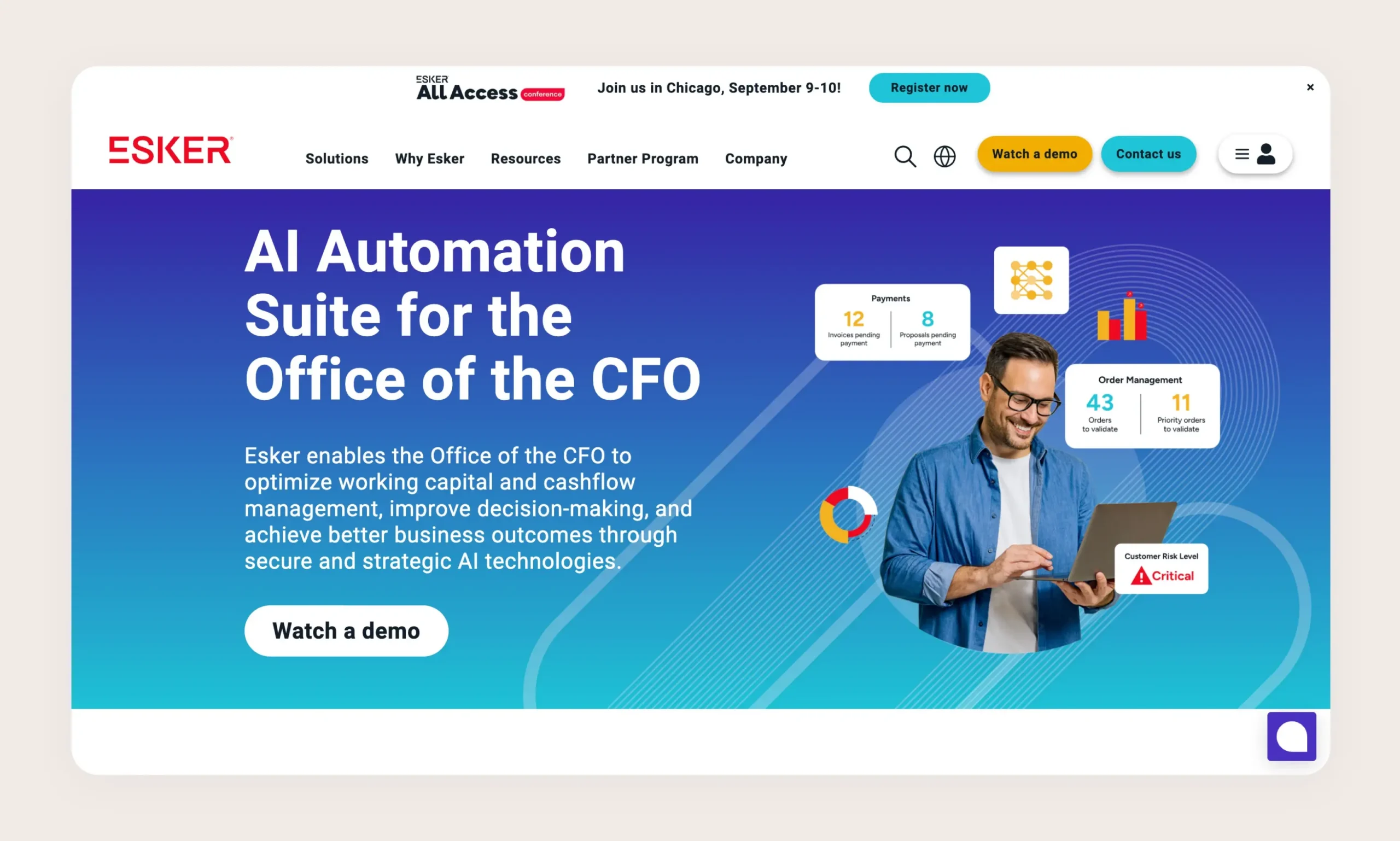
Esker is a broad cloud platform spanning the full order-to-cash and source-to-pay spectrum, with order management as one piece of a much larger suite that also covers accounts receivable, accounts payable, and procurement. Its AI engine, Esker Synergy, was upgraded in late 2024 with a custom-trained extraction model aimed at faster, more accurate data capture from order documents. Esker is built around the customer service team and the order lifecycle: capture, validation, exception handling, and ERP entry across email, EDI, portals, and punchout.
The strength of Esker is breadth. If you want a single vendor to automate order management alongside AR and AP across a large finance and customer service organization, few platforms match its scope. That breadth is also the consideration: Esker is an enterprise-grade suite with the implementation footprint and cost that implies, and it is oriented toward larger organizations running cloud or major mid-market ERPs. It is not the tool a 40-person distributor on QuickBooks Desktop reaches for, and informal channels like WhatsApp and handwritten notes are not its center of gravity. Esker has also sold document-process software since the 1980s, and it leans on customer portals and punchout, which works when your buyers will order through those channels but less so for the accounts that simply email or text what they need.
- Full order-to-cash and source-to-pay suite, not just order entry
- Esker Synergy AI with a custom-trained extraction model (Synergy Transformer, late 2024)
- Captures orders from email, EDI, portals, and punchout
- Designed around enterprise customer service and finance teams
- Cloud and major mid-market ERP focus; no QuickBooks Desktop orientation
Best for: enterprises that want one platform to automate order management together with AR, AP, and procurement across large customer service and finance teams.
For a side-by-side on ERPs, channels and price, see Esker vs Logistify AI.
4. WizCommerce — Best for B2B Wholesalers and Trade-Show Sales Teams
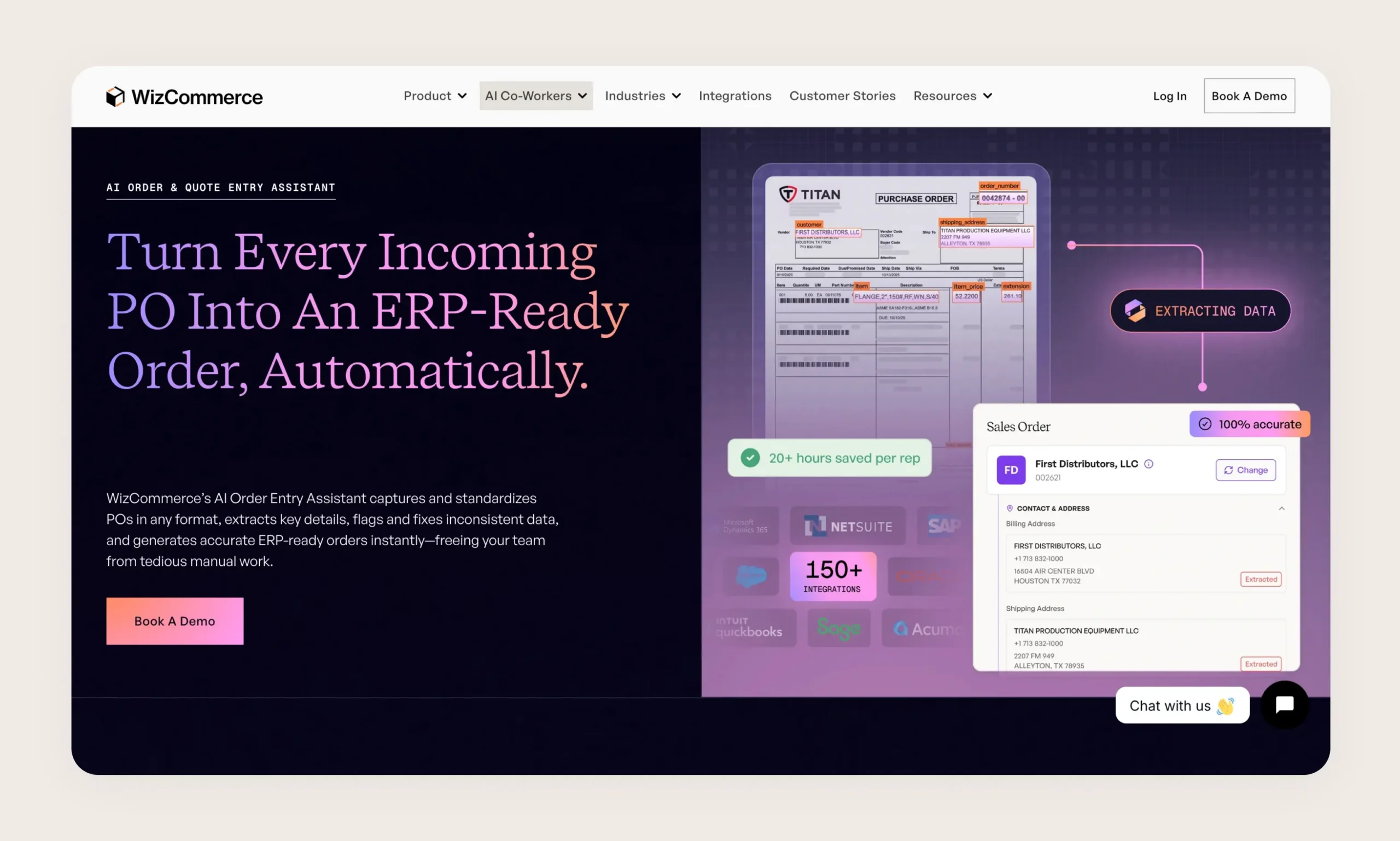
WizCommerce is a B2B sales platform for wholesalers, and Ella is its AI order and quote automation feature, launched in 2026. Ella reads purchase orders from emails, PDFs, faxes, calls, spreadsheets, scans, voice notes, and handwritten documents, and uses intelligent document processing rather than rigid templates to turn them into ERP-ready orders. WizCommerce fits naturally around the wholesale sales motion: reps working trade shows, showrooms, and the road, who need to capture orders quickly and push them through without a back-office bottleneck.
Ella's channel coverage is genuinely broad and overlaps with much of what Logistify reads. The difference is product context and ERP fit: WizCommerce is part of a wider sales-rep platform aimed at wholesalers and connects to cloud commerce and ERP systems, rather than targeting on-premise QuickBooks Desktop manufacturers. If your business is rep-driven wholesale and you also want catalog, quoting, and B2B e-commerce in one place, WizCommerce is a strong fit. If your system of record is Desktop and your priority is deep ERP write-back with a review step, the fit narrows. And because WizCommerce is built as a sales platform first, getting full value generally means adopting its catalog, quoting, and B2B e-commerce rather than leaving your customers' existing ordering habits untouched.
- Ella reads emails, PDFs, faxes, calls, spreadsheets, scans, voice notes, and handwritten purchase orders
- Intelligent document processing instead of rigid templates
- Part of a broader B2B wholesale sales platform with catalog, quoting, and e-commerce
- Built around sales reps at trade shows, showrooms, and in the field
- Cloud commerce and ERP focus; not aimed at on-premise QuickBooks Desktop
Best for: B2B wholesalers and rep-driven sales teams who want order capture bundled with catalog, quoting, and B2B e-commerce.
For a side-by-side, including how each works with QuickBooks Desktop, see WizCommerce vs Logistify AI.
5. Canals — Best for Wholesale Distributors Automating Beyond Order Entry
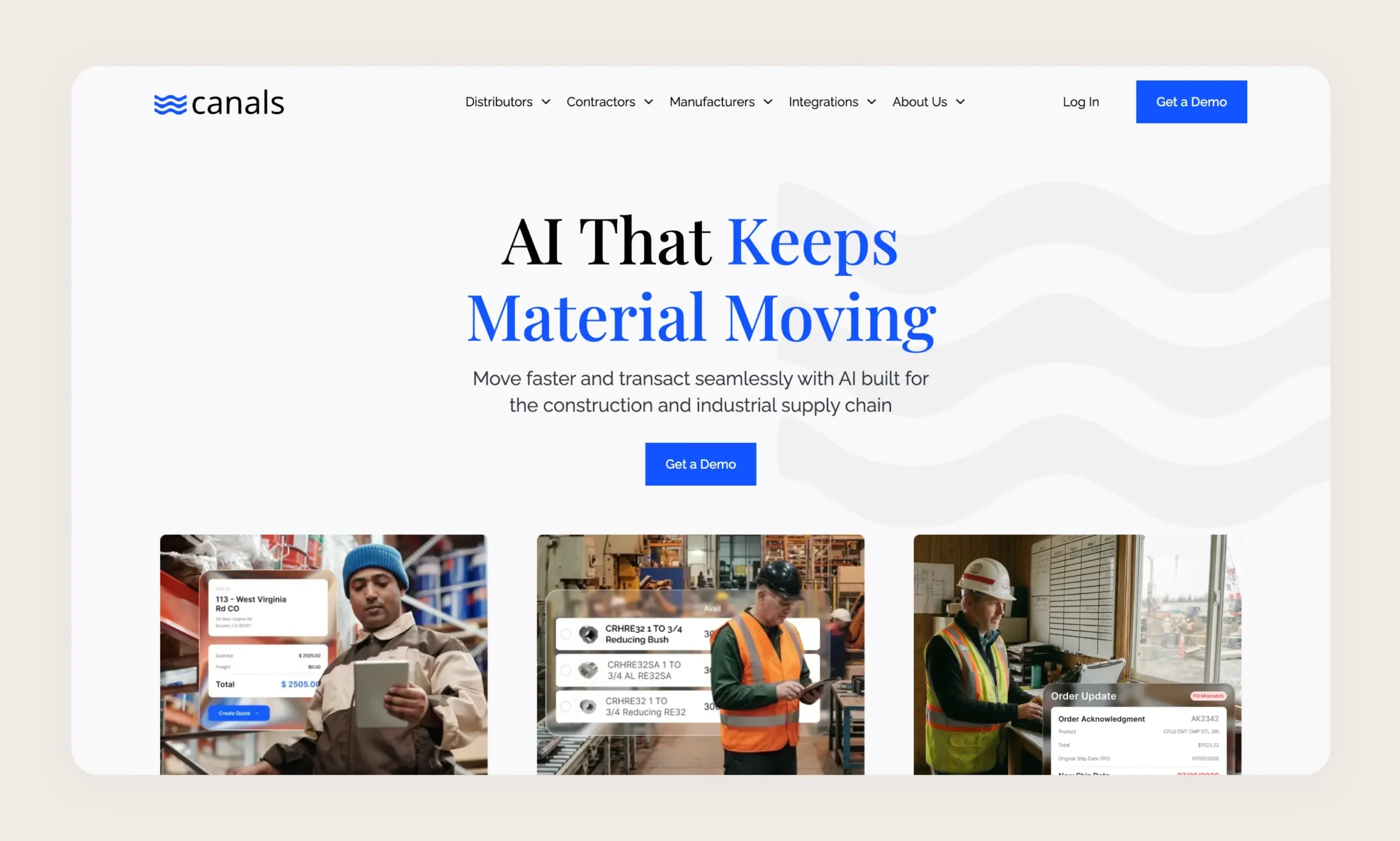
Canals, based in Miami and founded around 2022, started as an AI sales order entry tool for wholesale distribution and has expanded into a broader operating platform spanning sales, customer service, accounting, purchasing, and receiving. Its order entry flagship turns customer requests into quotes or orders ready for a rep to approve, and it handles a wide range of inputs: handwritten notes, takeoffs, PDFs, emails, spreadsheets, and voicemails, across inside, counter, and outside sales. It self-learns as your team uses it, getting sharper on your products and customers over time.
Canals is a good fit for distributors who want one AI layer across several departments rather than a point solution for order entry alone. It keeps a human approval step in the order flow, which aligns with how careful distributors operate. The main consideration for this audience is ERP fit: Canals is cloud-oriented and built around modern distribution stacks, so QuickBooks Desktop shops should confirm write-back support directly. Its takeoff handling is a notable strength for trades-adjacent distribution where orders come from project material lists.
- Reads handwritten notes, takeoffs, PDFs, emails, spreadsheets, and voicemails
- Expanded from order entry into sales, customer service, accounting, purchasing, and receiving
- Rep-approval step before orders are passed to the ERP
- Self-learns customer and product patterns over time
- Cloud-oriented distribution focus; confirm QuickBooks Desktop write-back before committing
Best for: wholesale distributors who want a single AI platform across order entry and adjacent functions like purchasing and receiving, especially where orders arrive as takeoffs and material lists.
For a side-by-side on ERPs, channels and price, see Canals vs Logistify AI.
Side-by-Side Comparison
The table below summarizes the seven questions that matter most for this audience. The clearest split is the first column: on-premise ERP support. It is also where the channel mix and the review-before-push step separate tools built for messy, informal order flow from tools built for structured documents at enterprise scale.
| Tool | On-Premise ERP support | Source channels | Semantic order understanding | Human review step | Self-learning | AI-native build | Meets customers where they order | Best for |
|---|---|---|---|---|---|---|---|---|
| Logistify AI | Yes — QuickBooks Desktop (on-premise) and cloud ERPs | Email, SMS, phone, voicemail, EDI, handwritten, price lists, WhatsApp, images, voice notes | Yes — resolves 'the usual' and vague descriptions from customer history | Yes — review queue before every ERP write | Yes — learns each customer with every confirmed order | Yes — built as an AI supply chain coordinator | Yes — extracts from the channels customers already use; no portal to adopt | QuickBooks Desktop manufacturers and distributors with informal, mixed-channel orders |
| Conexiom | No — cloud and mid-market ERPs | Email, PDF, EDI, structured order documents | Partial — strong extraction, order-quality checks | Configurable touchless and reviewed flows | Yes — self-learning at scale | No — AI added to a document-automation product from 2003 | Yes — document extraction, no customer ordering portal required | Large industrial distributors with high document volume |
| Esker | No — cloud and major mid-market ERPs | Email, EDI, portals, punchout | Partial — extraction across the order lifecycle | Yes — exception handling in customer service | Yes — Synergy AI extraction model | No — AI added to a suite selling since the 1980s | Partial — extraction plus customer portals and punchout | Enterprise customer service and finance teams |
| WizCommerce | No — cloud commerce and ERPs | Email, PDF, fax, calls, spreadsheets, scans, voice notes, handwritten | Partial — intelligent document processing | Yes — rep approves before push | Yes | No — AI added to a B2B sales platform | No — full value depends on adopting its sales platform | B2B wholesalers and trade-show sales reps |
| Canals | No — cloud distribution stacks (confirm Desktop) | Handwritten notes, takeoffs, PDFs, emails, spreadsheets, voicemails | Partial — turns requests into quotes and orders | Yes — rep approval step | Yes — learns with use | Partial — AI-era build (2022), since expanded into a broad platform | Partial — broad operating platform across several departments | Distributors automating beyond order entry |
How to Choose the Right Tool
There is no single best AI order entry tool — there is the one that fits your ERP, your buyers, and how your team works. Six decision criteria do most of the work.
Start With Your ERP — On-Premise vs Cloud
This is the first filter because it eliminates most options immediately. If your system of record is QuickBooks Desktop or Enterprise and you are not migrating in the next year, you need a tool that writes into it. That requirement alone rules out most of this list and is the main reason Logistify AI sits at #1 for this audience. If you already run a cloud ERP like NetSuite, Acumatica, or a modern distribution platform, your options widen and the other criteria become the deciding factors.
Match the Channel Mix to How Your Buyers Actually Order
List the formats your orders arrive in over a typical week. If most come as clean EDI documents or structured PDFs from a handful of large accounts, a structured-document tool will serve you well. If a meaningful share arrive as texts, WhatsApp messages, voicemails, handwritten notes, or 'same as last time' emails, you need a tool whose channel coverage and semantic understanding reach that far. Buying a structured-document tool for an informal-order business leaves the hardest orders still being typed by hand.
Decide Whether You Want to Change How Your Customers Order
Some tools solve order intake by giving your customers a portal, app, or marketplace to order through. If your accounts will genuinely adopt a new ordering system, that can consolidate your channels and clean up the data at the source. Be honest about whether they will. Most established buyers keep ordering the way they always have, and if that is your reality, you are better served by a tool that extracts orders from the channels your customers already use than by one whose value depends on changing their behavior. Decide which camp you are in before you buy a platform that assumes your customers will switch.
Decide How Much Human Review You Want
Fully touchless order entry is attractive until a wrong SKU flows into inventory and invoicing untouched. For most manufacturers and distributors, a review step that catches exceptions before they reach the ERP is worth the few seconds it costs per order, and it is where the system learns your customers fastest. If your orders are highly standardized and low-risk, a more automated flow may be fine. If your order data drives fulfillment and billing directly, prioritize a tool with a built-in review queue.
Weigh Company Size and Implementation Footprint
Enterprise suites like Esker and Conexiom deliver at scale but carry the implementation footprint and cost to match. A 40-person distributor will usually get to value faster with a tool sized for that operation than with an enterprise platform that assumes a dedicated IT team. Be honest about your document volume and internal resources before committing to a heavyweight implementation.
Confirm the QuickBooks Dependency Directly
If QuickBooks Desktop is your backbone, do not take 'integrates with QuickBooks' at face value. Ask specifically whether the tool writes into QuickBooks Desktop on-premise, or only QuickBooks Online. The two are different systems with different capabilities, and the distinction decides whether a tool actually fits your operation. For the full picture on why this matters and what your options look like, our ERP comparison guide breaks down the landscape for manufacturers and distributors.
The Bottom Line
TLDR
The Logistify purchase is a managed AI service, not another SaaS tool or platform for your team to operate. Logistify uses its own tools, AI Agents, and Human Reviewers to do recurring order-entry work for you, then returns completed, reviewed orders through the ERP and workflows you already use.
Every option in this roundup can extract an order from a document. The differences that matter for manufacturers and wholesale distributors show up at the edges: whether the solution reads the messy, informal orders your buyers actually send, whether it writes into the ERP you actually run, including QuickBooks Desktop on-premise, and whether a human gets to approve before the order hits your books.
Logistify AI ranks first for businesses that want this work completed. You send orders through the channels your customers already use, and Logistify uses its own tools, AI Agents, and Human Reviewers to extract, match, review, and enter them. The deliverable is a confirmed sales order in your existing ERP, not another app your team has to operate.
For cloud-ERP operations with structured documents at scale, several competitors here are excellent fits. Start with your ERP, match the channel mix to your buyers, and decide how much review you want before automating the rest.
Frequently Asked Questions
Ready to automate your supply chain?
Join manufacturers and distributors automating their operations with Logistify AI.